
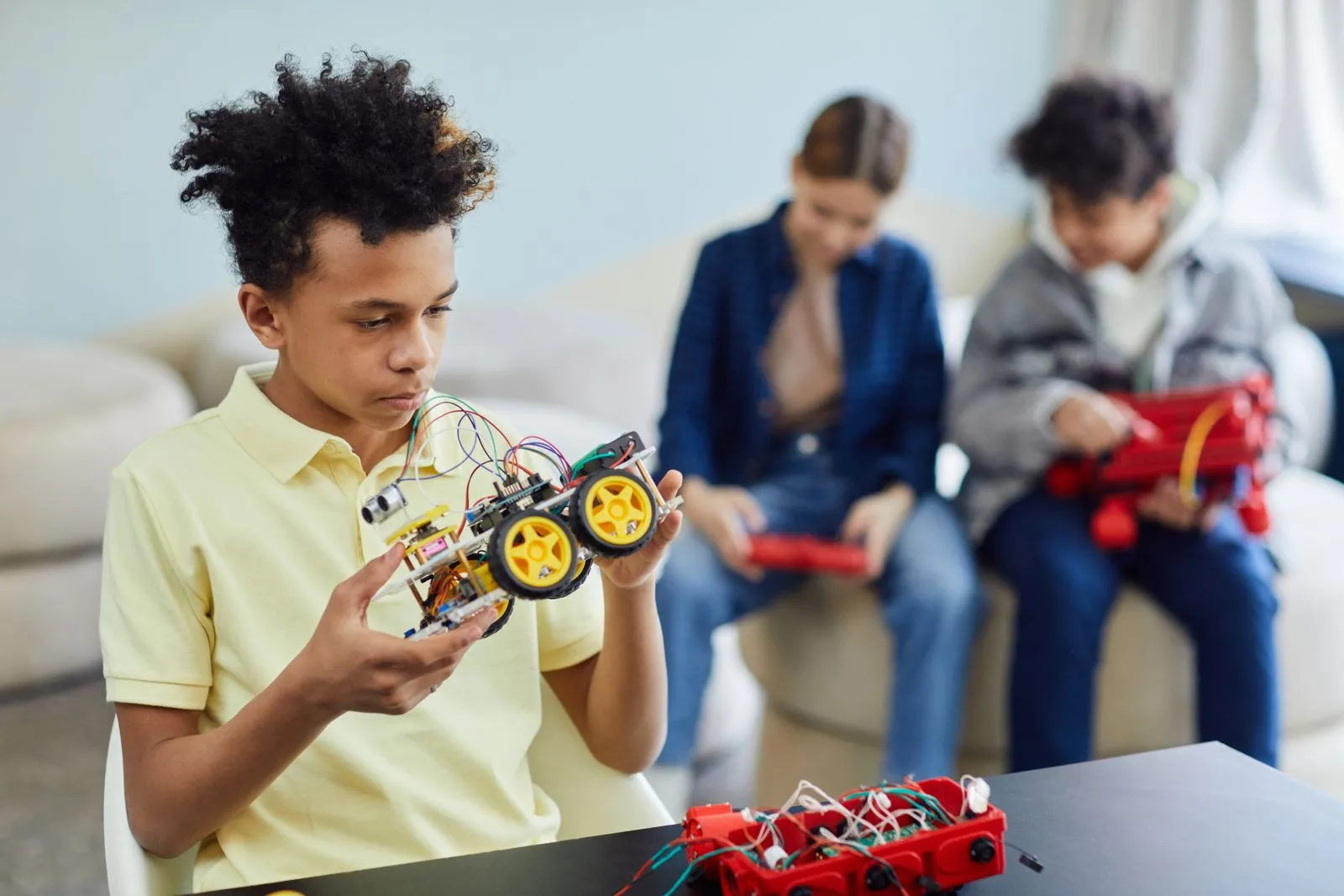
Visual programming lets children create programs by arranging on-screen blocks instead of typing every command. Each block represents an instruction, such as moving a character, playing a sound, or repeating an action. Kids can connect blocks to make games, animations, and other interactive projects. As they build and test their ideas, they practice core programming skills in a format that makes each step visible and easier to adjust.
How Drag-and-Drop Coding Works
A visual programming tool presents commands as labeled or illustrated blocks. A child might drag a movement block into a workspace, connect it to a start block, and press a button to see what happens. The blocks fit together according to rules, which helps prevent common typing mistakes such as misspelled commands or missing punctuation.
Children build programs by arranging blocks in a sequence. The order matters: a character may move before it speaks, or a sound may play after a button is clicked. If the result does not match the plan, kids can move, remove, or change blocks and run the program again.
Programming Ideas Kids Can Practice
Visual projects introduce ideas that appear in many kinds of programming. Sequences teach children to give instructions in order. Loops repeat actions, such as making a character dance several times. Conditions let a project respond to a choice or event—for example, changing the scene when a player touches an object.
Children can also work with events, variables, and debugging. An event starts an action when something happens, like clicking a character. A variable can keep track of a score. Debugging means finding and correcting a problem by testing the project, checking the blocks, and trying a change.
Learning Through Games and Animations
A simple game gives children a clear reason to combine instructions. They can make a character move with arrow keys, add a goal, and create a response when the player reaches it. Building and testing each feature helps them see how individual blocks contribute to the whole experience.
Animations and interactive stories offer different ways to experiment. Kids can make characters talk, switch backgrounds, or react to a click. These projects encourage planning and creative choices while showing that a program can respond to the person using it—not just play from beginning to end.
A Good Way to Get Started
Start with a project that has one clear goal, such as animating a character or making a button trigger a sound. Let the child try connecting a few blocks, run the project, and describe what happened. When they are ready, invite them to change one feature and predict the result before testing it.
Treat unexpected results as part of the process. Ask questions such as, “Which block controls that action?” or “What could you test next?” This encourages children to explain their thinking and solve problems step by step. A visual programming class, such as one at Santa Fe Code Studio, can offer guided projects and support as kids build new skills.
Visual programming turns coding ideas into actions children can see and change. By creating games, animations, and interactive stories, kids practice sequencing, logic, and debugging while exploring their own ideas. Choose a small project, build it one step at a time, and see where curiosity leads. For families in Santa Fe, consider exploring a guided coding class as a next step.